

Applicable Models
· Jeton AC1200 Air
· Jeton AC1300 Air, Jeton AC1300 Air BK
· Jeton AX3000 Air, Jeton AX3000 Air BK
· Jeton AX3000 Pro
· Jeton AX3000 Core
Overview
Using the correct firmware file is essential: a wrong file may disrupt the router’s operation. The official Jeton Tech website always keeps the latest verified firmware for every router model — download it there before a manual update.
Step 1
Go to the official website: https://jetontechno.com/.
Step 2
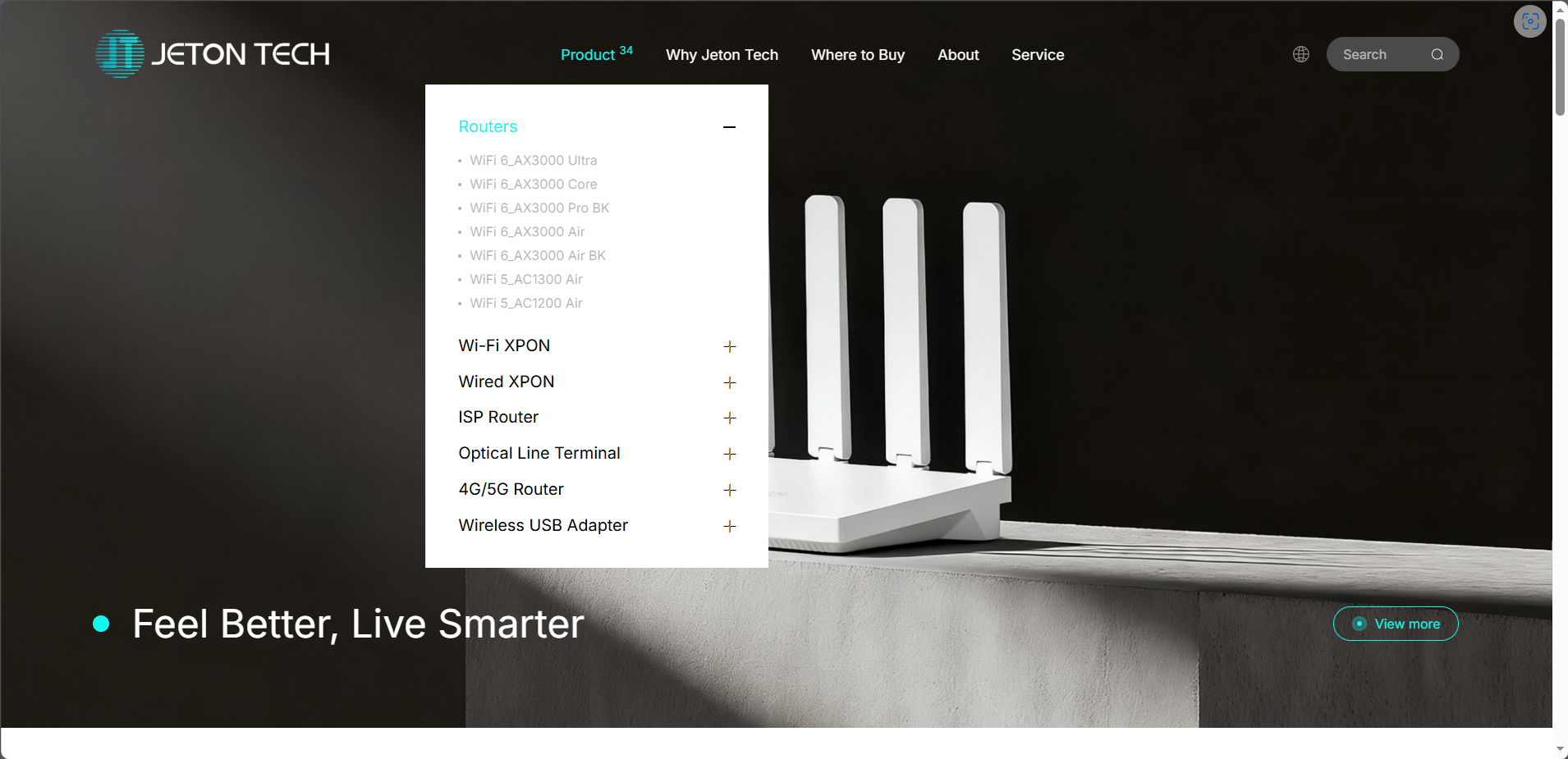
Under [Products] → [Wi-Fi Routers], select your model.
Step 3
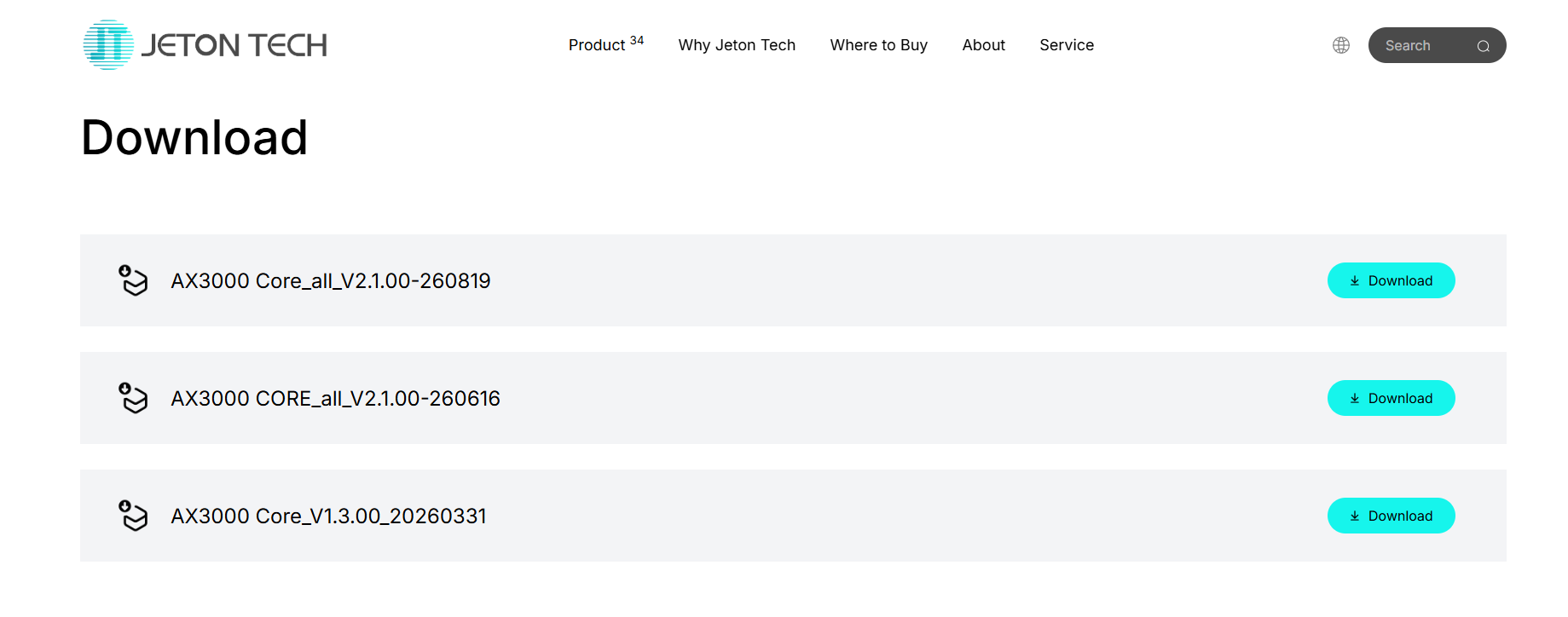
Scroll down to the section with the latest firmware version and click the Download button.
Step 4
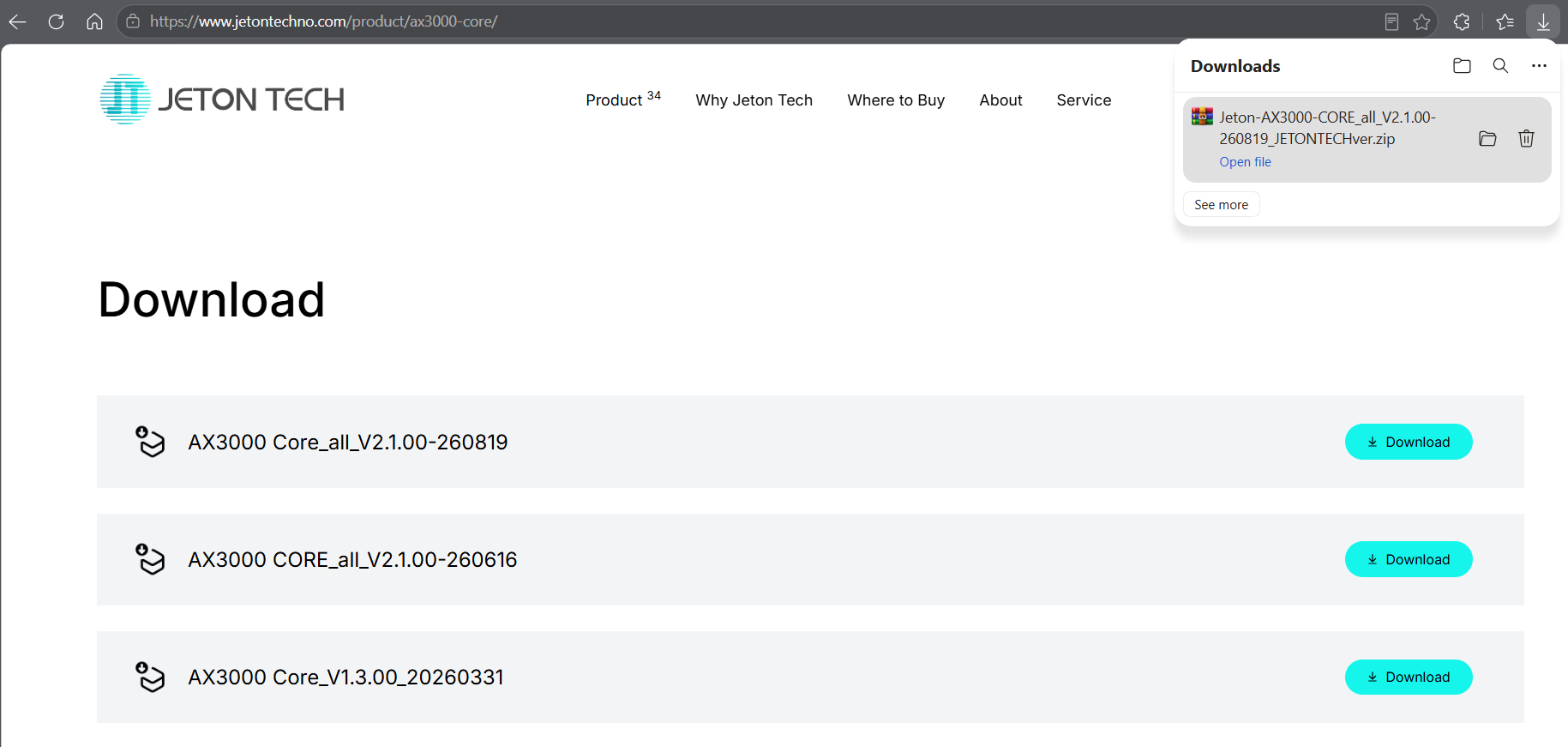
On Windows, the file is usually saved to the “Downloads” folder.
Step 5
The file is in .zip format and needs to be extracted. In Windows 11 you can use the built-in tool: right-click the file and select “Extract All”. After extraction you will get a file with the .bin extension — this is the file required for the firmware update.