
Applicable Models
· Jeton AC1200 Air
· Jeton AC1300 Air, Jeton AC1300 Air BK
· Jeton AX3000 Air, Jeton AX3000 Air BK
· Jeton AX3000 Pro
· Jeton AX3000 Core
Overview
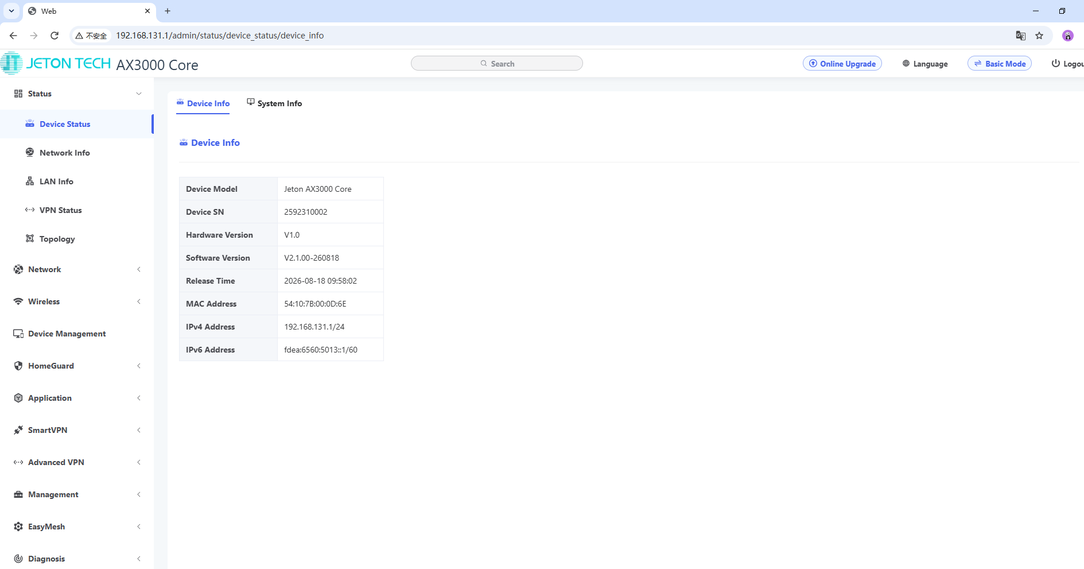
Advanced mode is the full-featured configuration interface of the router. In addition to the basic options available in the [Config Panel], it provides advanced settings such as LAN configuration, static routes, QoS, port forwarding, VPN, IPTV, DDNS, UPnP, TR-069, system management and diagnostics. Switch to [Advanced Mode] whenever you need to configure these features.
Step 1
Connect your device to the router via an Ethernet cable or Wi-Fi.
Step 2
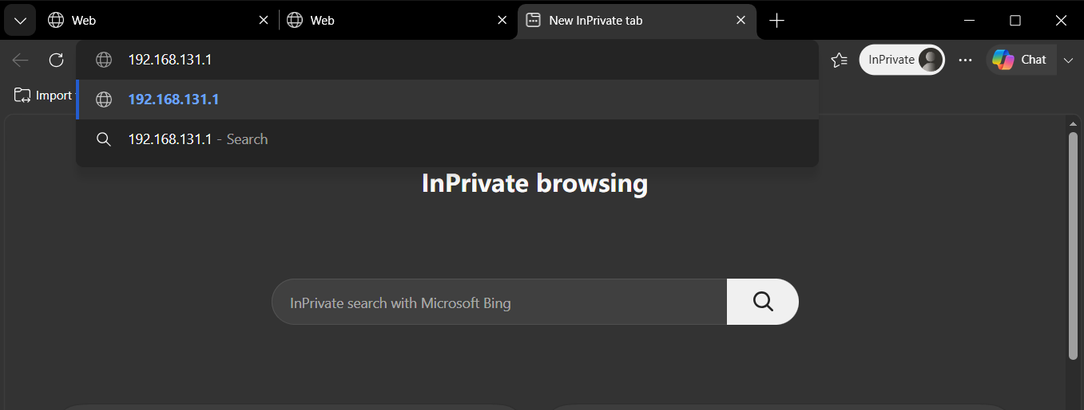
Open a browser (Microsoft Edge, Google Chrome, Safari, Firefox, Opera), enter the router’s IP address (192.168.131.1 by default) into the address bar, then press Enter.
Step 3
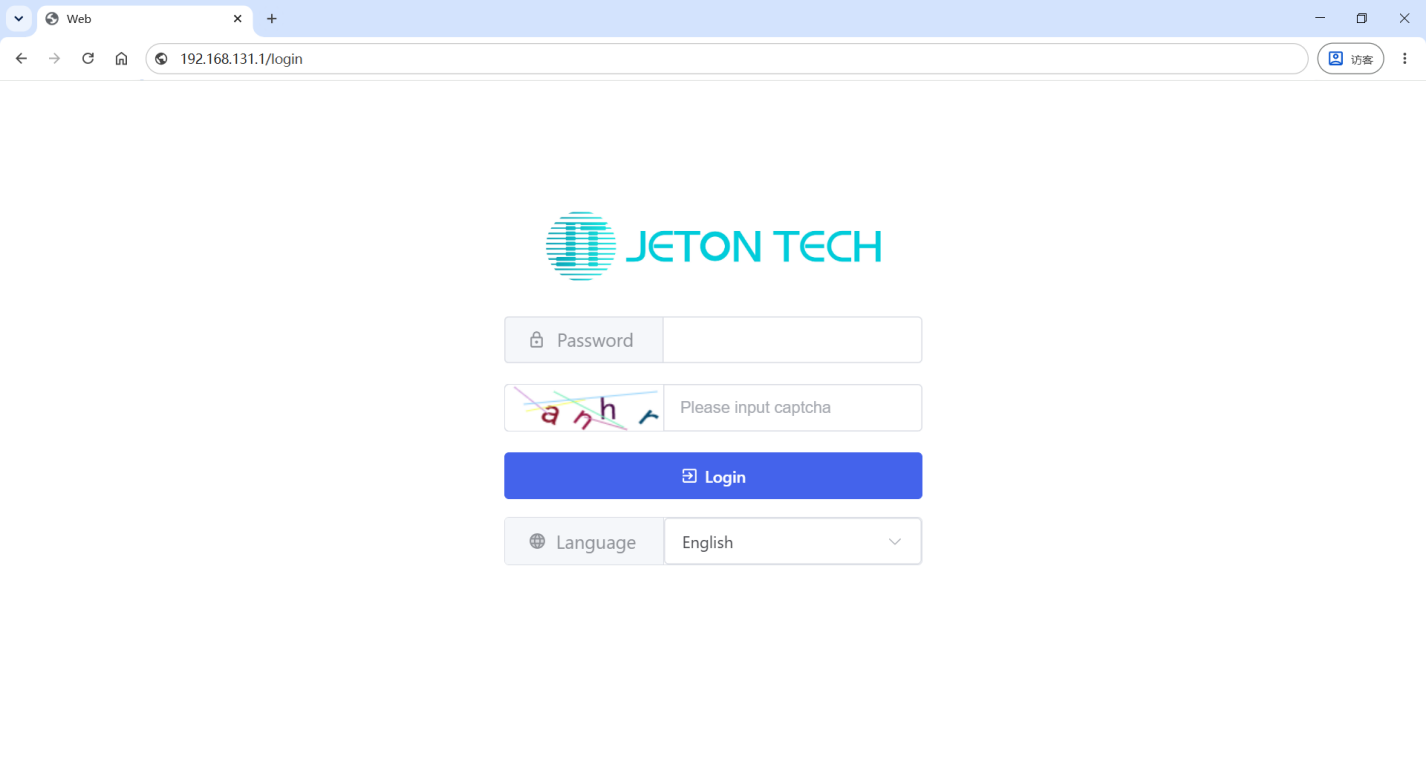
Enter the administrator password you set earlier and pass the CAPTCHA.
Step 4
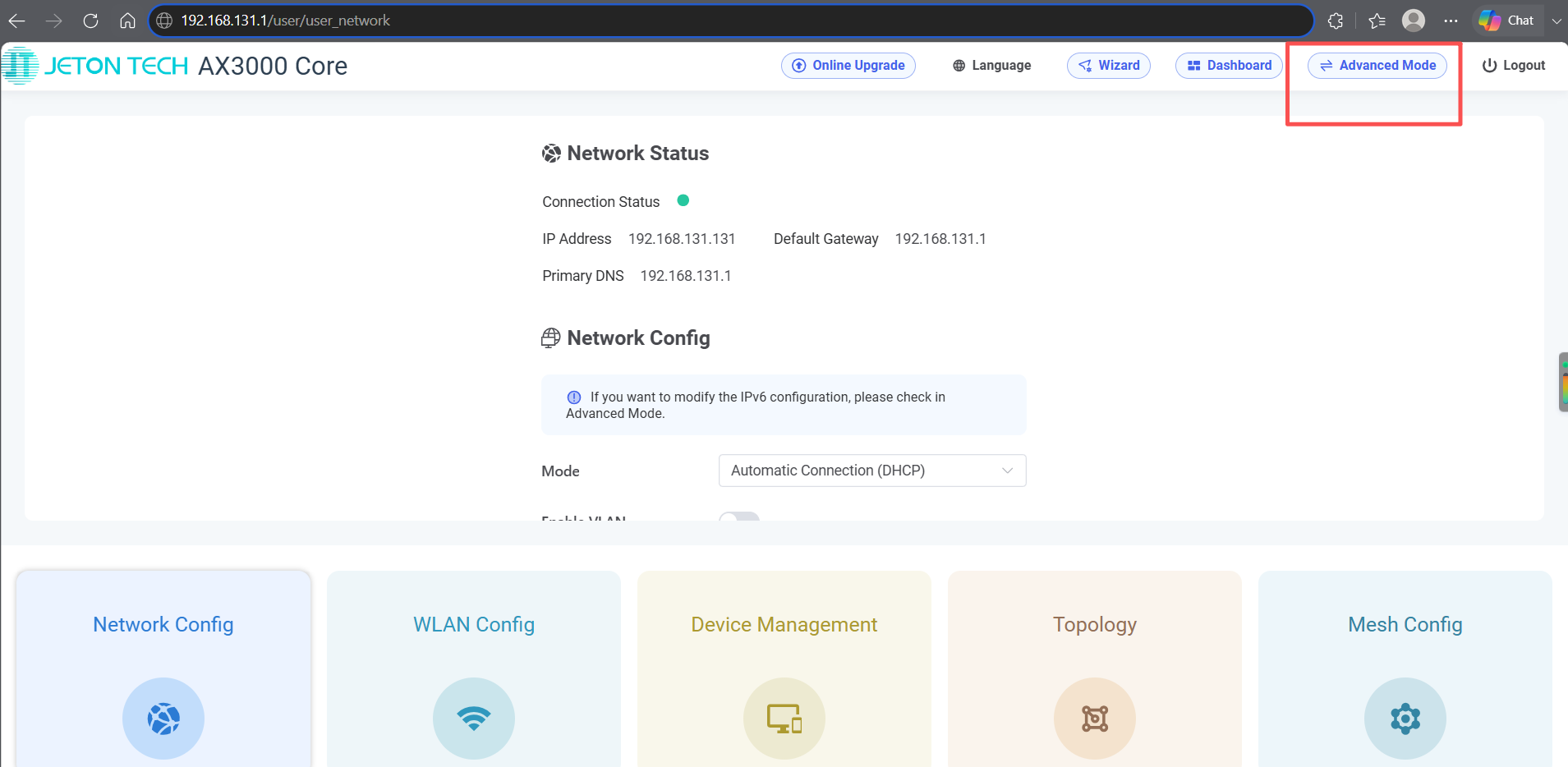
Go to the [Config Panel].
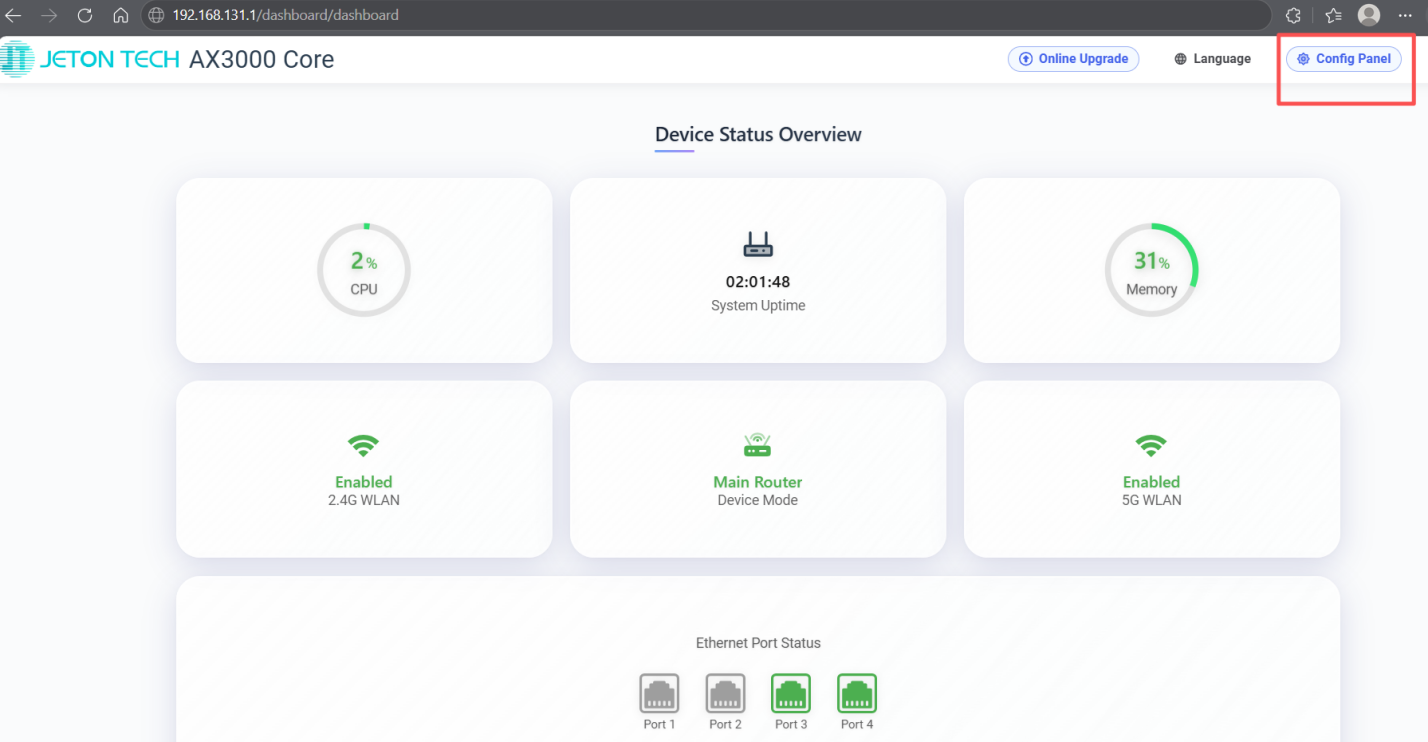
Step 5
Go to [Advanced Mode].